
PICSELL plugs into what you already run
We don't replace your accounting system or ERP — we connect to it. Exchange through an open API, ready-made Power BI reports, file import and export.
What data is exchanged
The exchange is two-way: master data and finances come from accounting, field documents go back to it.
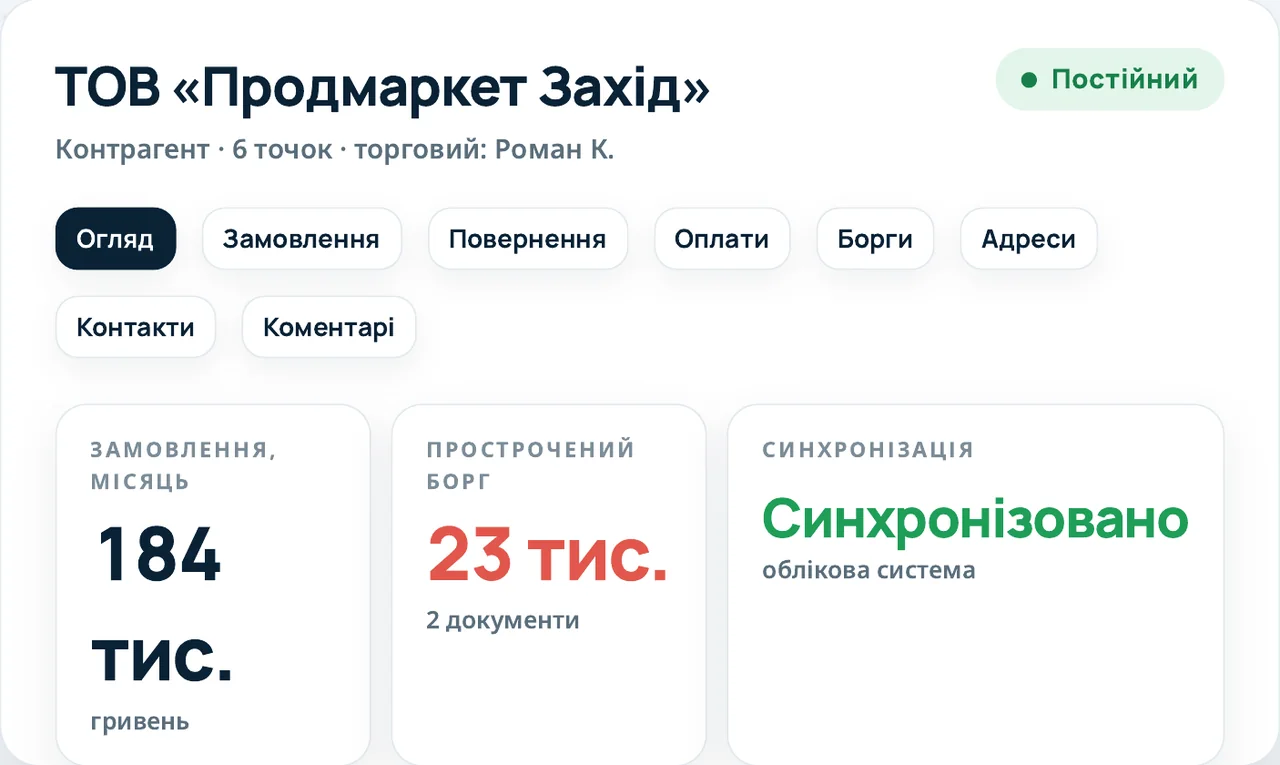
Sync status is visible in the account card
Synced, pending or error — without calling IT. After the accounting system processes an order, prices are recalculated and the rep gets a push with the difference and the promo discount.
Analytics, files and API
Everything your IT team and analysts need to make PICSELL part of your processes.
Ready-made reports right in the cabinet: out-of-stock by chain, share of shelf, team KPIs, route completion, prices.
Your technical team sees every exchange method in Swagger.
Outlets, chains, tasks and assortment matrices are loaded from a .csv or .xlsx file, with a preview and row checks.
Photos, task answers and price monitoring are sent to PICSELL Vision recognition automatically.
Employees learn about recalculated order prices and new chat messages in the app right away.
Support requests with a log and a screenshot straight from the app, plus a call-me-back button.
How an integration goes
Usually 1–2 weeks. Basic integration is included in the Starter plan, extended in Growth, custom in Enterprise.
At the demo we find out which system you run and which master data and documents need to be exchanged.
Your technical team gets API access and the Swagger documentation and sets up the exchange.
After a test exchange the team starts working in PICSELL.
Integration FAQ
Which accounting systems and ERPs does PICSELL integrate with?
1C:Enterprise, BAS, SAP, Oracle, Microsoft Dynamics 365, and your own ERP through the open API.
What data is exchanged between PICSELL and the accounting system?
Products, prices, stock, accounts, debts and payments come from the accounting system into PICSELL. Orders and returns go from PICSELL back to the accounting system.
How long does an integration take?
Usually 1–2 weeks. The scope and cost of an extended integration are estimated individually.
Is there API documentation?
Yes. Every exchange method is described in Swagger, and your technical team gets access.
Can we start without an integration?
Yes. Outlets, chains, tasks and assortment matrices can be loaded from a .csv or .xlsx file, and the exchange with the accounting system can be connected later.
Does PICSELL work with Power BI?
Yes. Ready-made Power BI reports are available right in the cabinet: out-of-stock by chain, share of shelf, team KPIs, route completion and prices.
We'll show the exchange on your data
30 minutes online: we'll look at your accounting system and show how PICSELL connects to it.